Full-day workshop lineup
-
#4 A Day with Robotmk: Synthetic Monitoring in Practice [EN]09:00 - 17:15Simon Meggle (Checkmk)
0 seats available
In this full-day workshop, participants learned about Synthetic Monitoring with Robotmk in a clear and practical way.
Together with Simon Meggle, the inventor of Robotmk and product manager of Synthetic Monitoring, they analyzed ready-to-use Robot Framework tests and understood their structure and functionality step by step.
Guided exercises gave them a sense of the potential that Synthetic Monitoring offers for their IT.
Of course, all test results were also integrated during the course into Checkmk – making the user's perspective visible in the monitoring!Prerequisites: Basic Checkmk monitoring knowledge. No Robot Framework experience needed.
Workshop type: Hands-on and Demo -
#5 Automate Checkmk with Ansible [EN]09:00 - 17:15René Koch (DI (FH) René Koch)
0 seats available
Ansible is a leading IT automation tool that helps streamline system configuration, software deployment, and complex orchestration tasks.
In this practical workshop, René Koch demonstrated how to automate Checkmk servers and clients using Ansible. Participants learned how to install and configure a Checkmk server, deploy agents on Linux and Windows systems, and perform essential configuration tasks such as adding hosts and groups, managing users, setting up time periods and downtimes, and handling rules and passwords.
The workshop also covered advanced automation topics, including fetching data from Checkmk using lookup plug-ins and using Checkmk as an Ansible inventory. It concluded with a demonstration of self-healing automation that integrates Checkmk, the Ansible Automation Platform, and Rulebooks.
René Koch is an experienced Ansible and Red Hat Satellite consultant working with customers across Europe. In his workshop, attendees explored how automation can simplify their monitoring workflows and make their IT operations more efficient.
Prerequisites: Working knowledge of both Checkmk and Ansible.
Workshop type: Hands-on and Demo
Morning workshop lineup
-
#1 Automating Checkmk via the REST API [DE]09:00 - 12:30Robert Sander (Heinlein Support)
0 seats available
The REST API of Checkmk opens up new opportunities for automating your monitoring. Automation can make your life easier and offers endless options. In this workshop, participants learned about the possibilities that REST API offers and how to get things done more quickly.
Together, they configured their monitoring, executed it and received status information, diving deeper into how to integrate Checkmk with multiple data sources for automation.
The attendees also looked into using the REST API with deployment tools. In summary, this workshop provided a thorough introduction to the concepts behind the API and taught how to automate things through practical examples.
Prerequisites: Programming experience and a good understanding of Checkmk.
Workshop type: Hands-on -
#2 Security Best Practices [EN]09:00 - 12:30Ralf Spenneberg (OpenSource Security)
0 seats available
Monitoring is at the heart of your IT. Thus, it needs to be secure. Security expert Ralf Spenneberg showed attendees how to secure their monitoring. Checkmk provides all the tools to enable enterprise-grade security. Sometimes the options are hidden, not enabled or require configuration. In this workshop, Ralf discussed the Checkmk architecture in the context of security and explained and demonstrated the configuration of a secure Checkmk installation. Best security practices regarding the Checkmk agent connection, distributed configuration, access via SNMP and special agents, SSL/TLS connections to VMware and LDAP, the certificate store and the password store were covered in this workshop. There was also time to discuss specific issues participants may face in their own setup.
Prerequisites: Basic knowledge about Checkmk.
Workshop type: Presentation and Q&A -
#6 (Network) Visualization with Checkmk [DE]09:00 - 12:30Thomas Labinski
0 seats available
In a constantly changing IT world, (Network) Visualization is an important tool for keeping an overview and identifying potential problems more easily. Since version 2.3, Checkmk has a new backend for this purpose. In this hands-on workshop, participants learned how to use the publicly available Network Visualization Data Creation Tool, NVDCT, to visualize the Layer2 (CDP/LLDP) and Layer3 (IPv4) topologies of their networks.
Last year, the workshop focused on installing and integrating the necessary plug-ins in Checkmk and creating topologies on the CLI. This year, the focus was on the new integration in Checkmk as an active check. In addition to the network topologies, other visualization options, such as vSphere, were presented. The author of NVDCT, Thomas Labinski, guided attendees through the installation and configuration of the necessary plug-in.
Prerequisites: Intermediate knowledge of Checkmk and practical experience.
Workshop type: Hands-on -
#7 Integrating Prometheus and OpenTelemetry into Checkmk [EN]09:00 - 12:30Niklas Pulina & David Lechevalier (Checkmk)
0 seats available
In complex, distributed IT environments, having a complete view of system health is essential. OpenTelemetry (OTel) is the industry standard for generating metrics and logs, and Prometheus is the standard for pulling infrastructure metrics. This hands-on workshop showed participants how to leverage Checkmk's integrations to manage both data streams efficiently. Led by Niklas and David, they learned to set up two distinct pipelines within Checkmk for comprehensive visualization and alerting.
Prerequisites: Basic Checkmk monitoring knowledge.
Workshop type: Hands-on
Afternoon workshop lineup
-
#1 Automating Checkmk via the REST API [EN]13:45 - 17:15Marcel Schulte (Checkmk)
0 seats available
The REST API of Checkmk opens up new opportunities for automating your monitoring. Automation can make your life easier and offers endless options. In this workshop, participants learned about the possibilities that REST API offers and how to get things done more quickly.
Together, they configured their monitoring, executed it and received status information, diving deeper into how to integrate Checkmk with multiple data sources for automation.
The attendees also looked into using the REST API with deployment tools. In summary, this workshop provided a thorough introduction to the concepts behind the API and taught how to automate things through practical examples.
Prerequisites: Programming experience and a good understanding of Checkmk.
Workshop type: Hands-on -
#3 Creating Dashboards and Views in Checkmk 2.5 [EN]13:45 - 17:15Paulo Santana
0 seats available
This hands-on workshop explored the new features in Checkmk 2.5 that make building dashboards and views easier than ever. Participants learned how to create custom views, combine them into powerful dashboards, and visualize their monitoring data through states, metrics, graphs, performance indicators, and events. By the end, they had the skills to create effective dashboards and shared them with the community.
Prerequisites: Basic knowledge of Checkmk.
Workshop type: Hands-on -
#6 (Network) Visualization with Checkmk [DE]13:45 - 17:15Thomas Labinski
0 seats available
In a constantly changing IT world, (Network) Visualization is an important tool for keeping an overview and identifying potential problems more easily. Since version 2.3, Checkmk has a new backend for this purpose. In this hands-on workshop, participants learned how to use the publicly available Network Visualization Data Creation Tool, NVDCT, to visualize the Layer2 (CDP/LLDP) and Layer3 (IPv4) topologies of their networks.
Last year, the workshop focused on installing and integrating the necessary plug-ins in Checkmk and creating topologies on the CLI. This year, the focus was on the new integration in Checkmk as an active check. In addition to the network topologies, other visualization options, such as vSphere, were presented. The author of NVDCT, Thomas Labinski, guided attendees through the installation and configuration of the necessary plug-in.
Prerequisites: Intermediate knowledge of Checkmk and practical experience.
Workshop type: Hands-on -
#7 Integrating Prometheus and OpenTelemetry into Checkmk [EN]13:45 - 17:15Niklas Pulina & David Lechevalier (Checkmk)
0 seats available
In complex, distributed IT environments, having a complete view of system health is essential. OpenTelemetry (OTel) is the industry standard for generating metrics and logs, and Prometheus is the standard for pulling infrastructure metrics. This hands-on workshop showed participants how to leverage Checkmk's integrations to manage both data streams efficiently. Led by Niklas and David, they learned to set up two distinct pipelines within Checkmk for comprehensive visualization and alerting.
Prerequisites: Basic Checkmk monitoring knowledge.
Workshop type: Hands-on
Workshop lineup not final yet – still under monitoring
Our workshops will be available as half-day and full-day sessions, giving you different options to dive deep into the topics that matter most to you. We’re currently putting together the lineup, so stay tuned!
In the meantime...
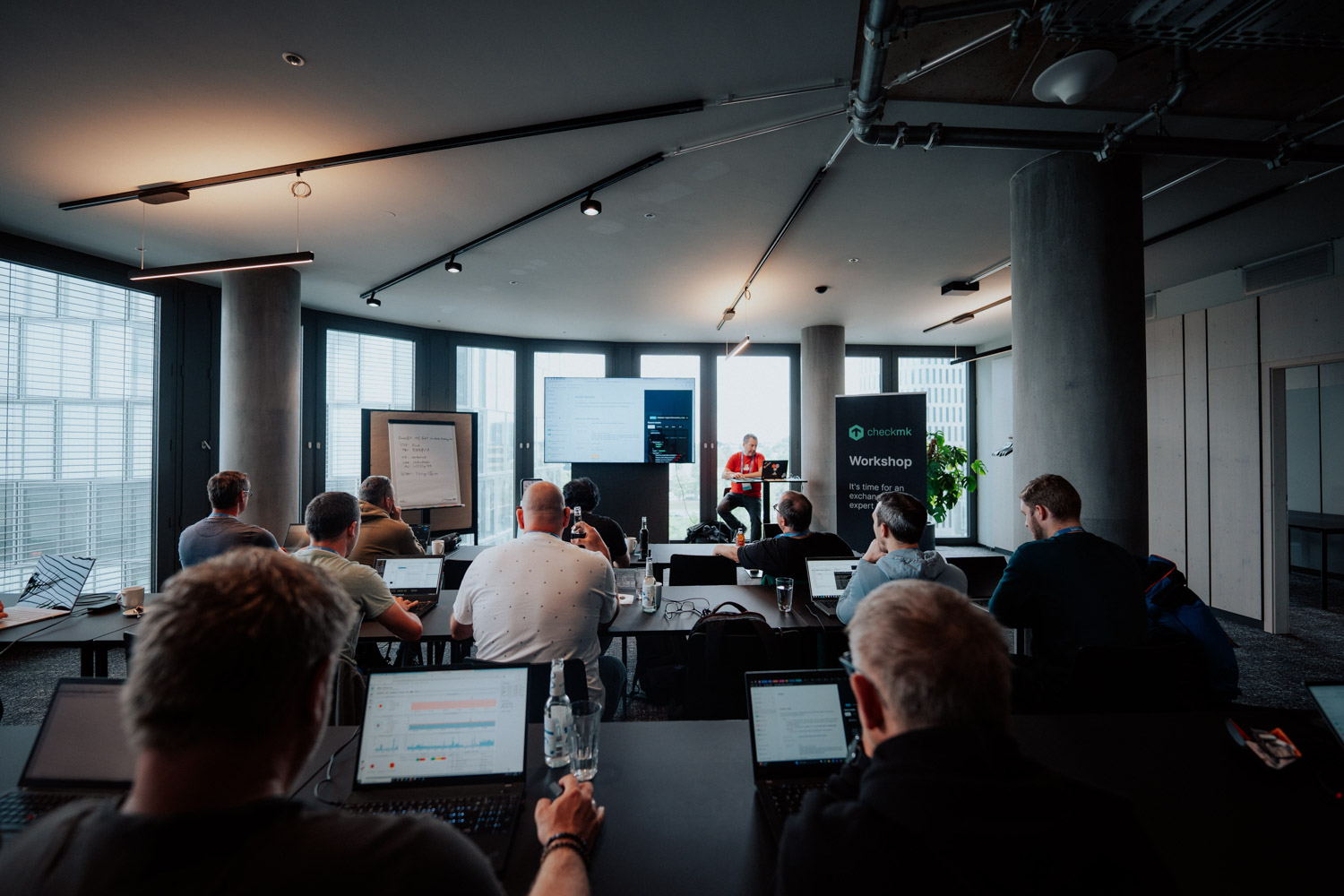
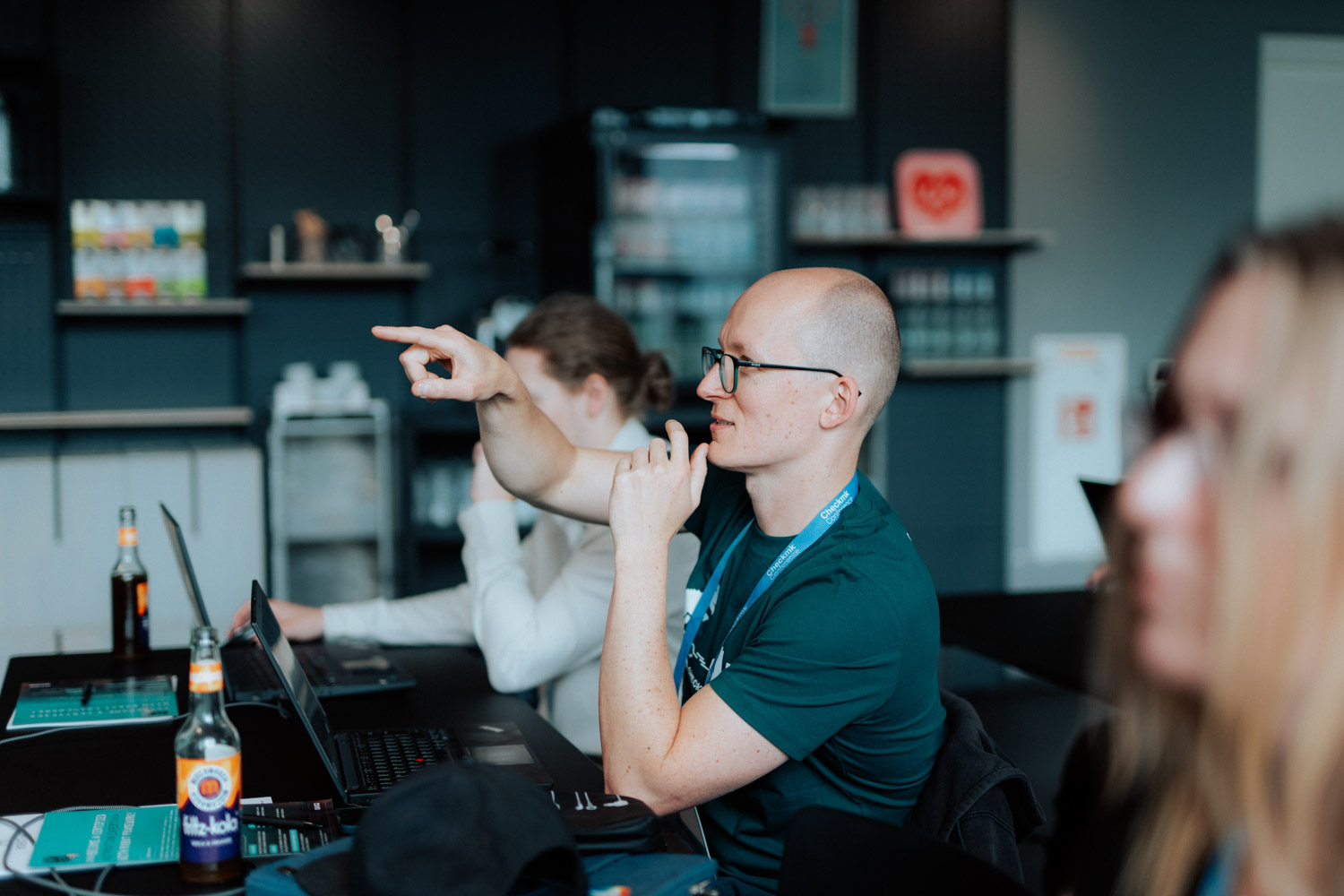
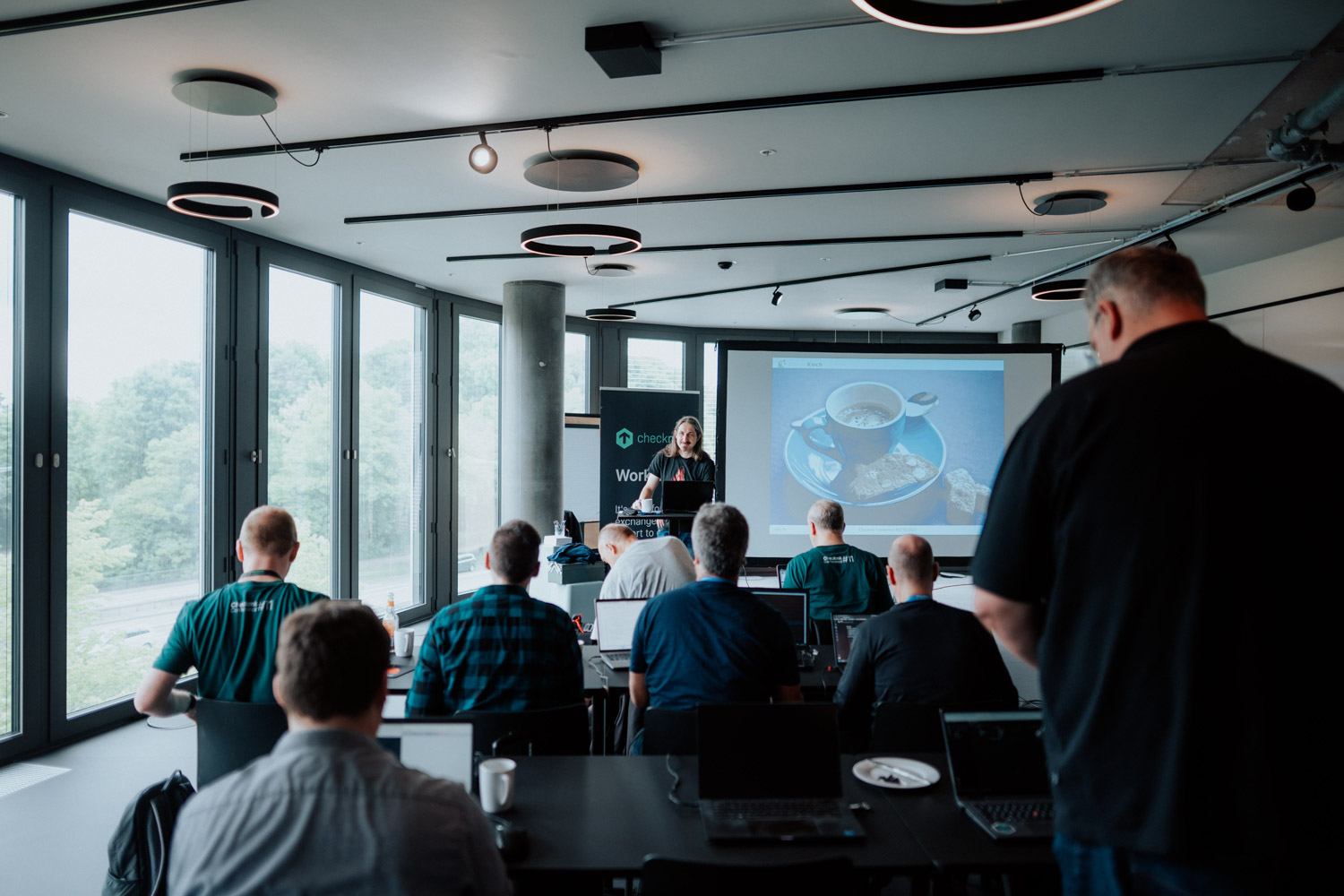
Gain some insights into the workshops at the Checkmk Conference #11, which took place at Design Offices Bogenhausen.